WhatsApp Integration with Meta: Setup, Automation, and Business Communication Guide
Editorial Details
In today’s digital landscape, instant communication plays a crucial role in customer engagement and business growth. WhatsApp, integrated with Meta platforms, has become a powerful tool for businesses.
In today’s digital landscape, instant communication plays a crucial role in customer engagement and business growth. WhatsApp, integrated with Meta platforms, has become a powerful tool for businesses to connect with customers, automate communication, and improve response efficiency.
At Kraftarc, we help businesses implement advanced communication solutions such as WhatsApp integration to streamline customer interactions and enhance user experience.
What is WhatsApp Integration with Meta
WhatsApp integration with Meta refers to connecting WhatsApp Business with Meta’s ecosystem, including Facebook and Instagram, using the WhatsApp Business API. This allows businesses to send automated messages, manage customer conversations, and integrate communication with CRM or web applications.
This integration is widely used by businesses offering website development services Kannur, mobile app development company in Kannur, and digital marketing company Kannur to improve customer engagement.
Why WhatsApp Integration is Important
Businesses today require fast and reliable communication channels. WhatsApp provides a direct and personal way to connect with customers, making it highly effective for support, notifications, and marketing.
At Kraftarc, we use WhatsApp integration to help clients improve response time, automate workflows, and enhance customer satisfaction.
How to Configure WhatsApp with Meta
Setting up WhatsApp with Meta involves several steps that ensure proper integration and functionality.
Create a Meta Business Account
The first step is to create and verify a Meta Business account. This allows access to Meta tools and APIs required for integration.
Set Up WhatsApp Business API
Businesses need to register for the WhatsApp Business API through Meta. This provides access to advanced features such as automation and message templates.
Verify Phone Number
A dedicated business phone number must be verified to connect with WhatsApp services.
Configure API and Webhooks
Developers configure APIs and webhooks to send and receive messages between WhatsApp and the application or CRM system.
At Kraftarc, we handle complete WhatsApp API setup and integration for businesses.
How to Connect WhatsApp to Your Website or Application
Integrating WhatsApp into a website or application improves user engagement and accessibility.
Add WhatsApp Click-to-Chat
A simple way to connect WhatsApp is by adding a click-to-chat button on your website.
Example link:https://wa.me/your-number
This allows users to start a conversation instantly.
API-Based Integration
For advanced use cases, developers integrate WhatsApp using APIs. This enables features such as automated replies, chatbots, and CRM integration.
CRM and Automation Integration
WhatsApp can be connected with CRM systems to manage leads, track conversations, and automate follow-ups.
Setting Up Reminder Messages in WhatsApp
Reminder messages are one of the most valuable features of WhatsApp Business API. They help businesses stay connected with customers and improve engagement.
Types of Reminder Messages
• Appointment reminders
• Payment reminders
• Service notifications
• Follow-up messages
How Reminder Messages Work
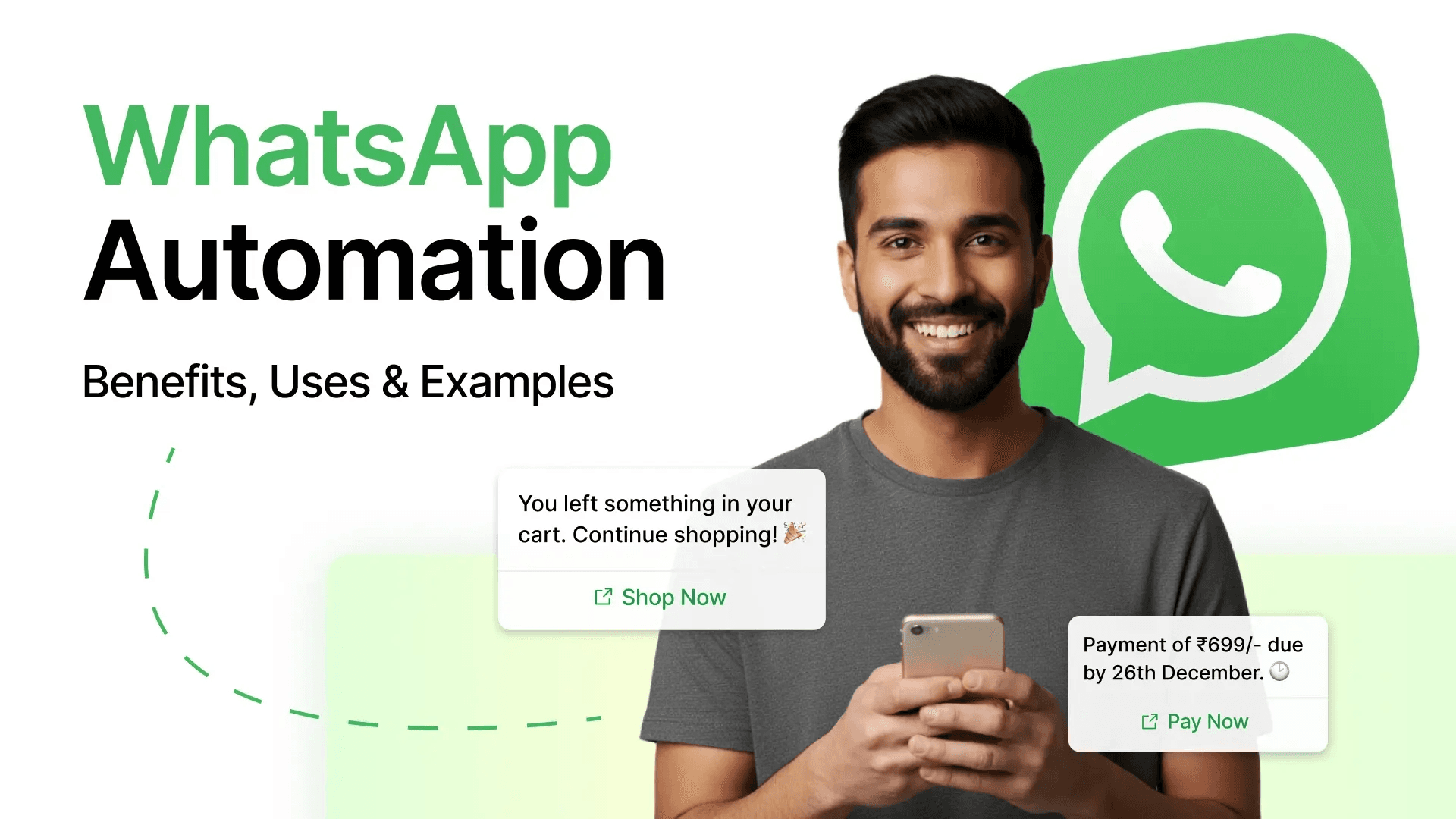
Businesses create predefined message templates that are approved by Meta. These templates can be triggered automatically based on user actions or schedules.
Example Reminder Message:
“Hello, this is a reminder for your scheduled appointment tomorrow at 10:00 AM. Please confirm your availability.”
At Kraftarc, we implement automated reminder systems to help businesses improve communication efficiency.
Benefits of WhatsApp Integration
WhatsApp integration offers several advantages for businesses.
Real-Time Communication
Enables instant interaction with customers.
Automation
Reduces manual effort through automated replies and notifications.
Higher Engagement
WhatsApp messages have higher open rates compared to emails.
Improved Customer Experience
Provides a convenient and user-friendly communication channel.
Scalable Communication
Supports large-scale messaging for growing businesses.
Best Practices for WhatsApp Business Usage
To maximize results, businesses should follow best practices such as using approved message templates, maintaining customer consent, avoiding spam, and personalizing messages. Proper usage ensures compliance with Meta policies and improves user trust.
Common Mistakes to Avoid
Businesses should avoid sending unsolicited messages, overusing automation, and ignoring customer responses. These mistakes can negatively impact engagement and lead to restrictions.
Conclusion
WhatsApp integration with Meta is a powerful solution for modern businesses looking to improve communication, automate processes, and enhance customer engagement. By understanding how to configure WhatsApp, connect it with systems, and use reminder messages effectively, businesses can create a seamless communication experience.
At Kraftarc, we provide end-to-end WhatsApp integration solutions tailored to business needs, ensuring efficient and scalable communication systems.
Get in Touch
If you are looking to integrate WhatsApp into your website or application, Kraftarc offers expert solutions in API integration, automation, and digital communication systems to help your business grow.


Get started now!
It takes less than a minute of your time.